Skip to content

Docs/Blender manual/User Interface

Nodes

From the Blender 5.2 LTS Manual by the Blender Documentation Team, adapted for Angelo · CC BY-SA 4.0

Angelo guideBlender manual

  1. User Interface
    1. Window System
    2. Keymap
    3. UI Elements
    4. Tools & Operators
    5. Nodes
      1. Node Editors
      2. Node Parts
      3. Selecting Nodes
      4. Arranging Nodes
      5. Editing Nodes
      6. Common Nodes
      7. Node Groups

Blender contains different node-based editors with different purposes, so this section only explains how to work with nodes in general. The list below shows the different types of nodes and where they’re documented.
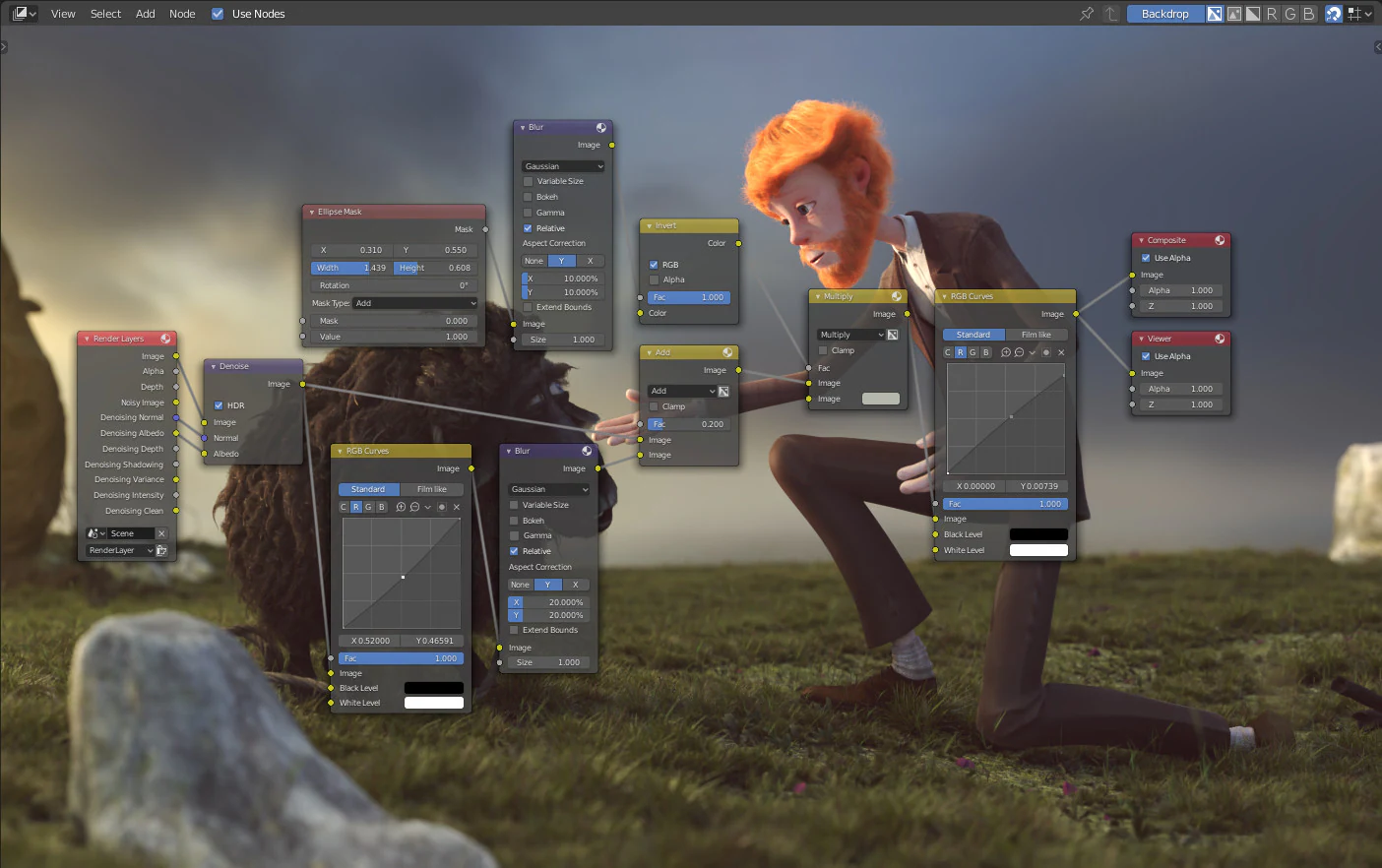
Example of a node editor.

Icon

Name

Description

Geometry Nodes

Used for procedural modeling.

Shader Nodes

Used to create materials for objects.

Composite Nodes

Used to edit rendered images.

Texture Nodes

Used to create custom textures.

  • Node Editors
    • Header
    • Overlays
    • Toolbar
    • Sidebar
    • Navigating
    • Adding Nodes
  • Node Parts
    • Title
    • Sockets
    • Properties
  • Selecting
    • All
    • None
    • Invert
    • Box Select
    • Circle Select
    • Lasso Select
    • Linked From
    • Linked To
    • Select Grouped
    • Activate Same Type Previous/Next
    • Find Node
  • Arranging Nodes
    • Snapping
    • Auto-Offset
  • Editing
    • Transform
    • Connecting Sockets
    • Disconnecting Sockets
    • Cut/Copy/Paste
    • Duplicate
    • Duplicate Linked
    • Delete
    • Delete with Reconnect
    • Swap
    • Show/Hide
    • Read View Layers
    • Connect to Output
  • Common Nodes
    • Output
    • Utilities
    • Layout Nodes
  • Node Groups
    • Usage
    • Properties
    • Make Group
    • Insert Into Group
    • Edit Group
    • Ungroup
    • Separate
    • Join Group Inputs
PreviousSelectingNextNode Editors

Adapted from this page of the Blender 5.2 LTS Manual by the Blender Documentation Team, licensed under CC BY-SA 4.0. This page is shared under the same licence.

Restyled for this site, with links and images adapted (every change). No endorsement by the Blender Foundation is implied.