New in Angelo 2.1 · 25 November 2026
Plan it, mark it up, build it clean.
Angelo 2.1 talks a job through before it builds, lets you draw on a picture to show what you mean, and adds the modelling, UV and rigging tools Blender leaves to add-ons: Retopology, Shape Cut, UV Layout, retargeting and game rigs. You can use every one by hand, and the agent can use them for you.
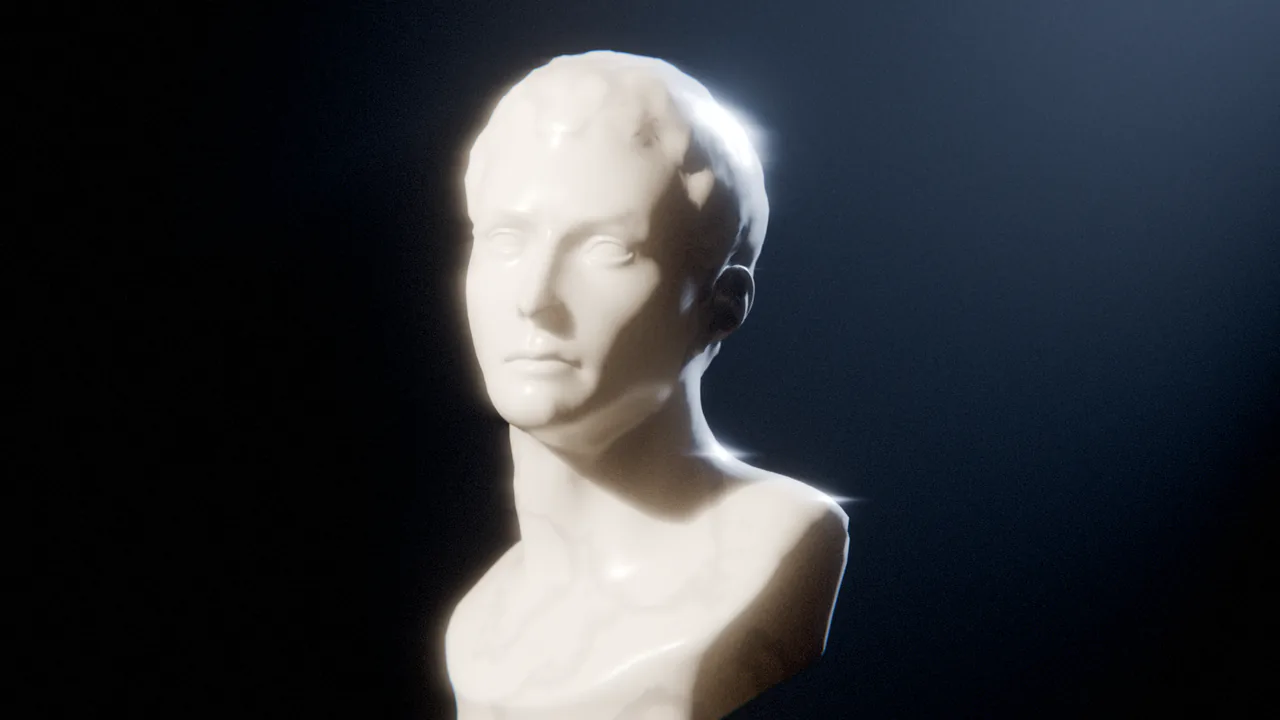
Clean quads from any mesh.
Scans, sculpts and AI-generated models come with topology nobody can animate, unwrap or ship. Retopology turns them into quads that follow the shape and its sharp and marked edges, as a new object, close to the face count you ask for. It works on broken meshes and keeps vertex groups.
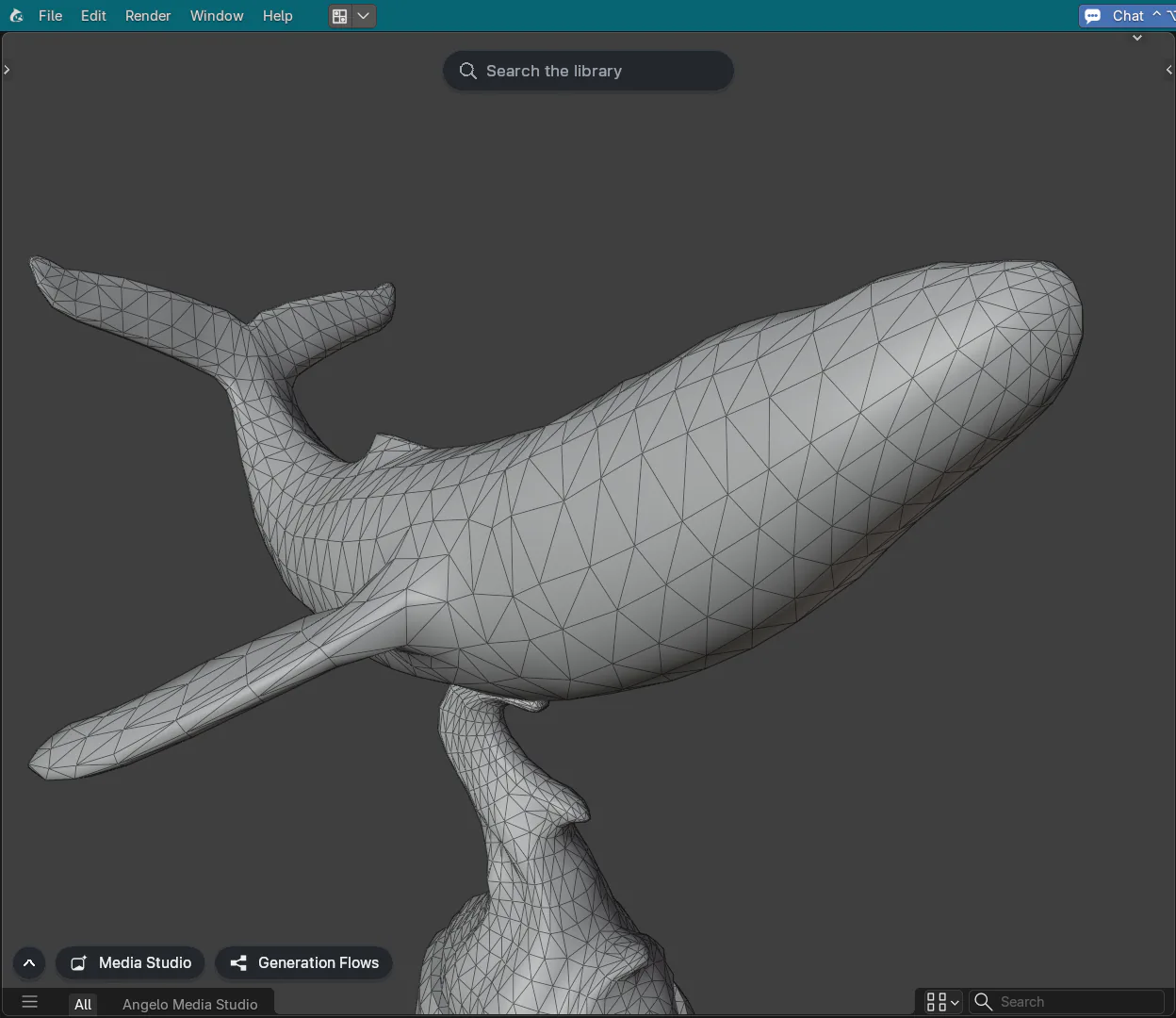
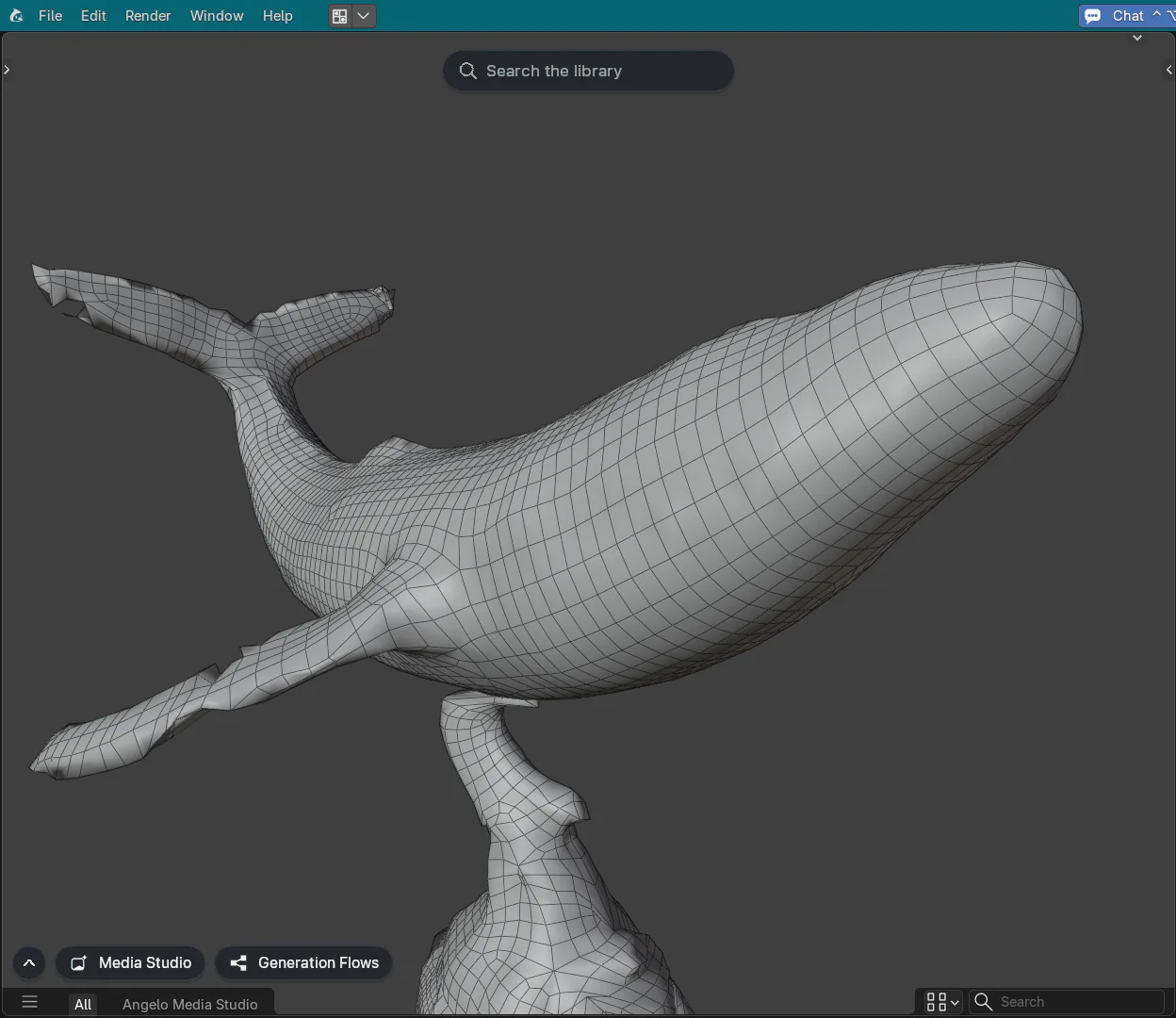
- Angelo Retopology
- 42 of 42runs finished
- Blender's QuadriFlow
- 22 of 4216 refused, 3 errors, 1 crash
- Irregular vertices
- 8.0%Voxel remesh: 42.6%
Measured 18 November 2026 on a held-out set frozen before any tuning (characters, hard surface, scans and AI-generated meshes): the same 42 meshes, machine and grading for every method, every run counted, a refusal or crash a failure. Still open: Angelo keeps fewer small sharp features than QuadriFlow (fine details such as a sculpted eye can smooth away at low face counts) and leaves more poles of six or more edges. Find it at + ▸ Model ▸ Retopology or Properties ▸ Mesh ▸ Remesh. Retopology guide
Show it. Then talk it through.
Two new ways to tell the agent what you want before anything changes in your scene.
Mark up a picture
Open a picture, or the 3D view as it is now, full size. Circle the part, draw an arrow, pin numbered comments, and send it with your instruction. The agent gets the marked picture, the original and every comment with its place. Nothing is sent until you send it.
+ ▸ Mark up a picture… · or click a picture in the message box
How to use it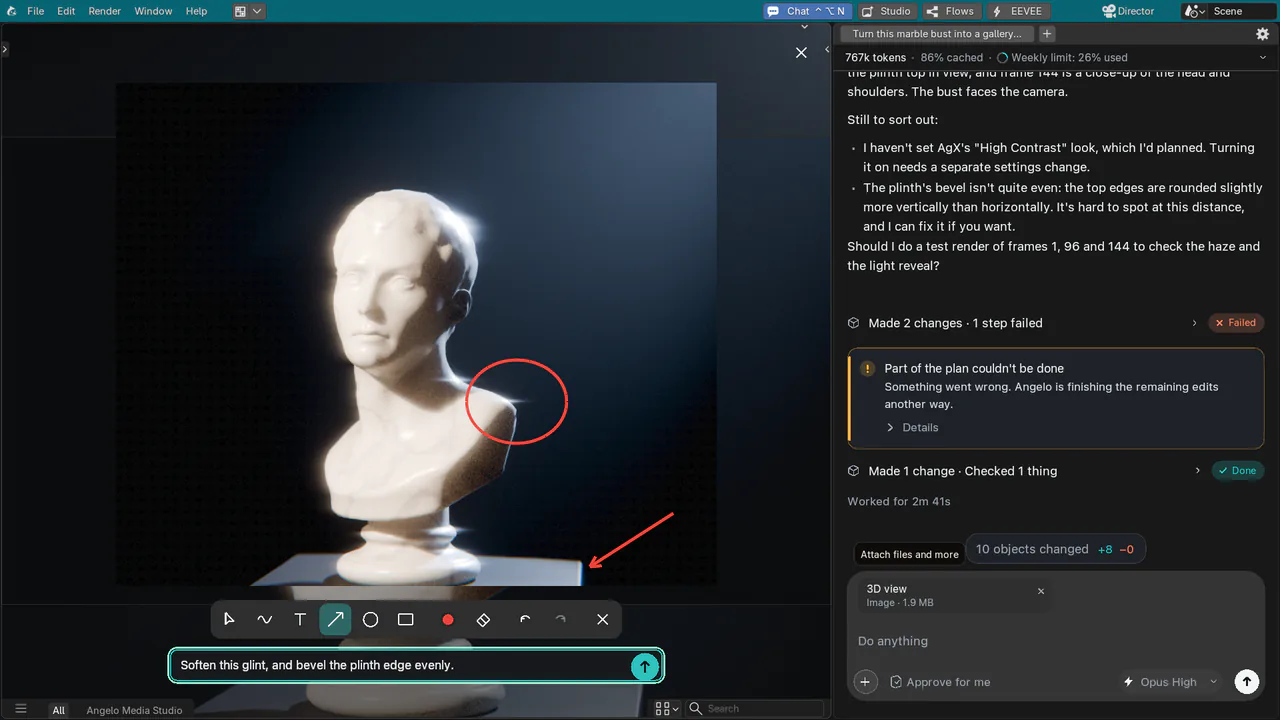
Plan first
The chat turns read only while the agent researches, looks at your scene and asks what it needs, then lays out approaches side by side. Your scene stays exactly as it is until you choose one and say go.
+ ▸ Plan first · or say “let's plan first”
How to use it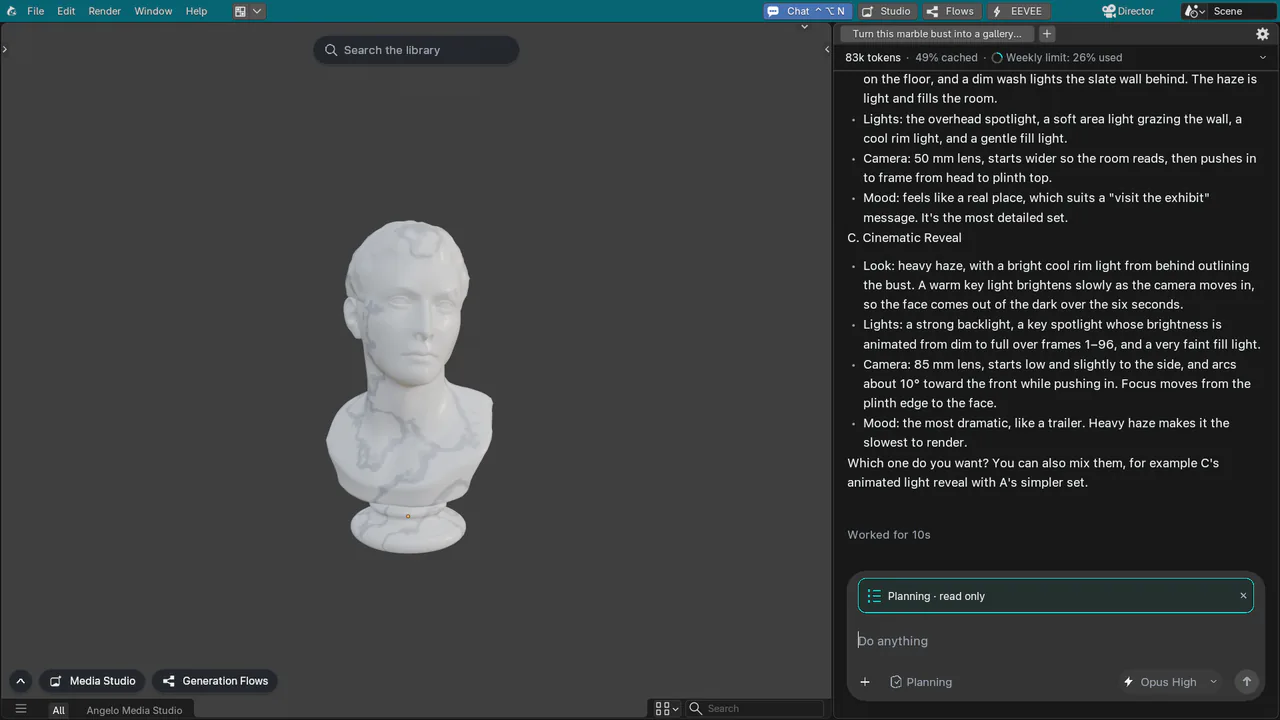
The tools Blender leaves to add-ons.
Each one is a tool you use by hand, from the + menu or F3, and one the agent can use when you ask in words.
Shape Cut
Draw a box, circle, polygon or freehand shape on a surface, snapped to a grid lined up with the face, to cut, add, slice, inset or panel-line it. Every cut stays a live Boolean you can move, scale or delete until you apply it.
+ ▸ Model ▸ Shape Cut · F3
How to use it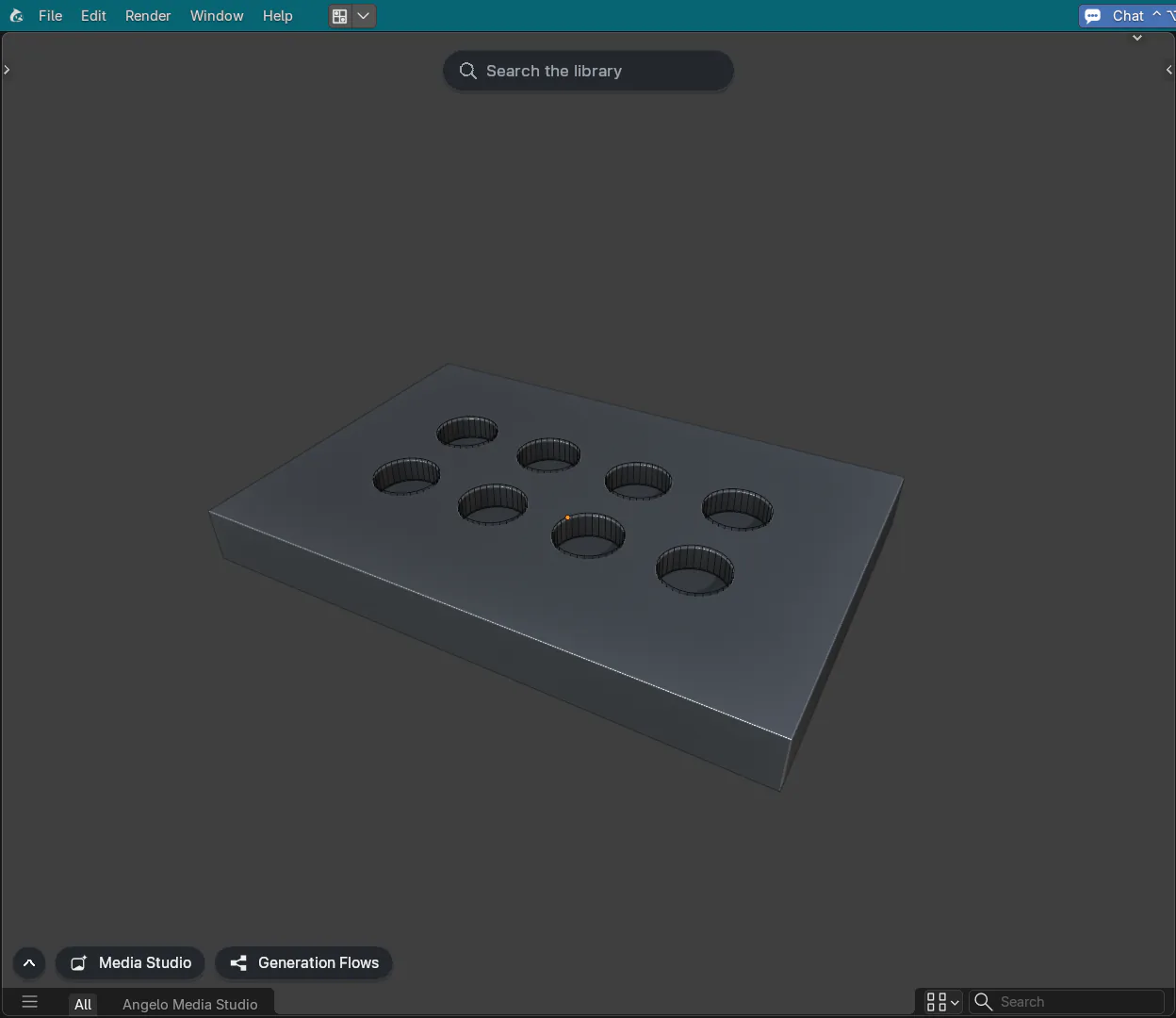
- UV LayoutUnwrap and pack a texture set at the pixels per metre you choose, with padding that holds up at the mip levels you ask for, identical parts stacked and a UDIM tile per material if you want one. + ▸ Model ▸ UV Layout.UV Layout guide
- Retarget and game rigsCopy animation between unlike humanoid rigs by the role each bone plays, make a deform-only rig named for Unreal Engine, Unity or Godot with root motion and one clip per action, and add IK controls. + ▸ Rig.Rigging guide
- Collision hullsSeveral convex colliders for a concave mesh, so hollows, holes and doorways stay open in Unreal Engine, Unity and Godot. + ▸ Model ▸ Collision hulls.Game physics guide
Worlds and looks, in a few clicks.
Scatter
Place trees, rocks or any of your objects on a surface by slope, height, a painted mask and distance from paths, in layers that keep out of each other's way, or start from one of six biomes. The result is plain Geometry Nodes you can open and edit.
+ ▸ Scatter · F3
How to use it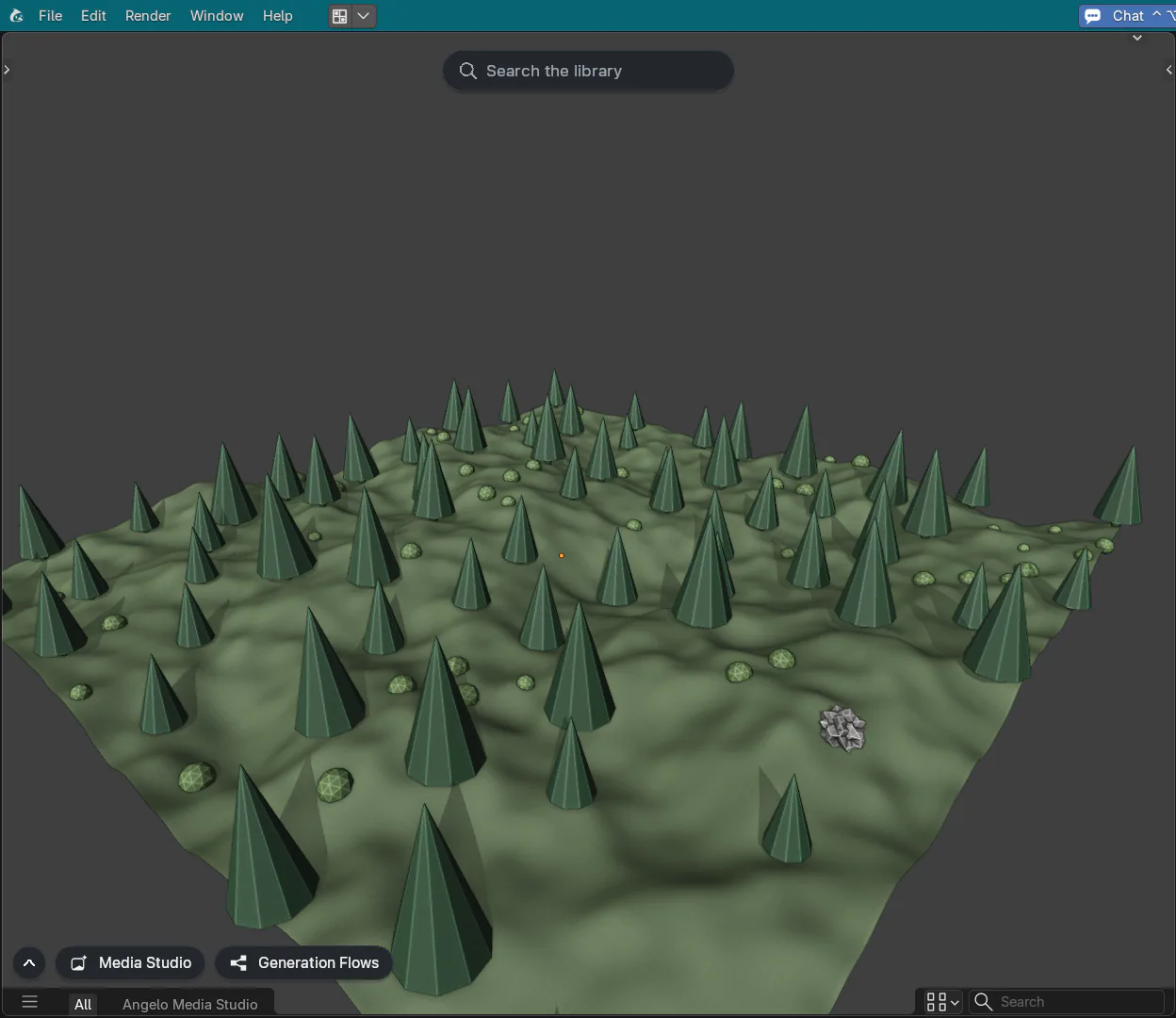
Camera Look
A lens and film look on the camera from one of seven presets: distortion, a natural vignette, bloom and streaks, halation, a film grade and grain. It works in every render engine and shows live in the 3D view's camera view. Take Off puts back what it replaced.
+ ▸ Render ▸ Camera Look · F3
How to use it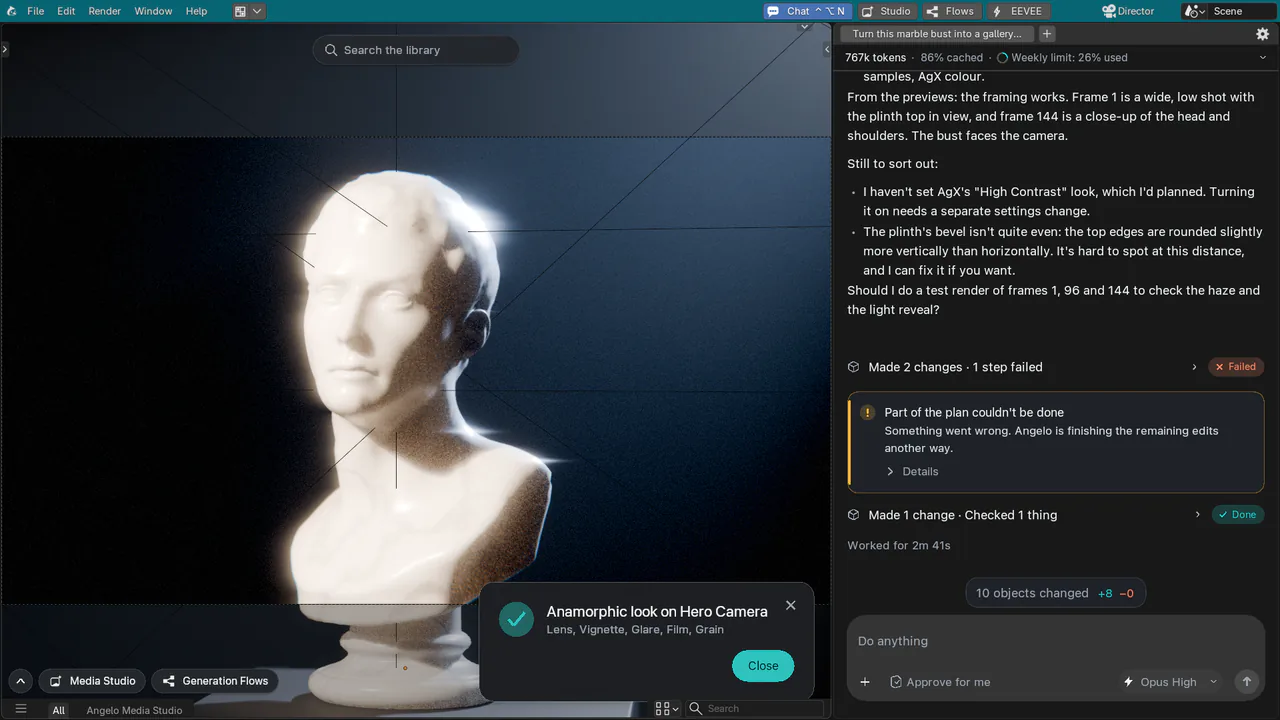
All of it from one + button.
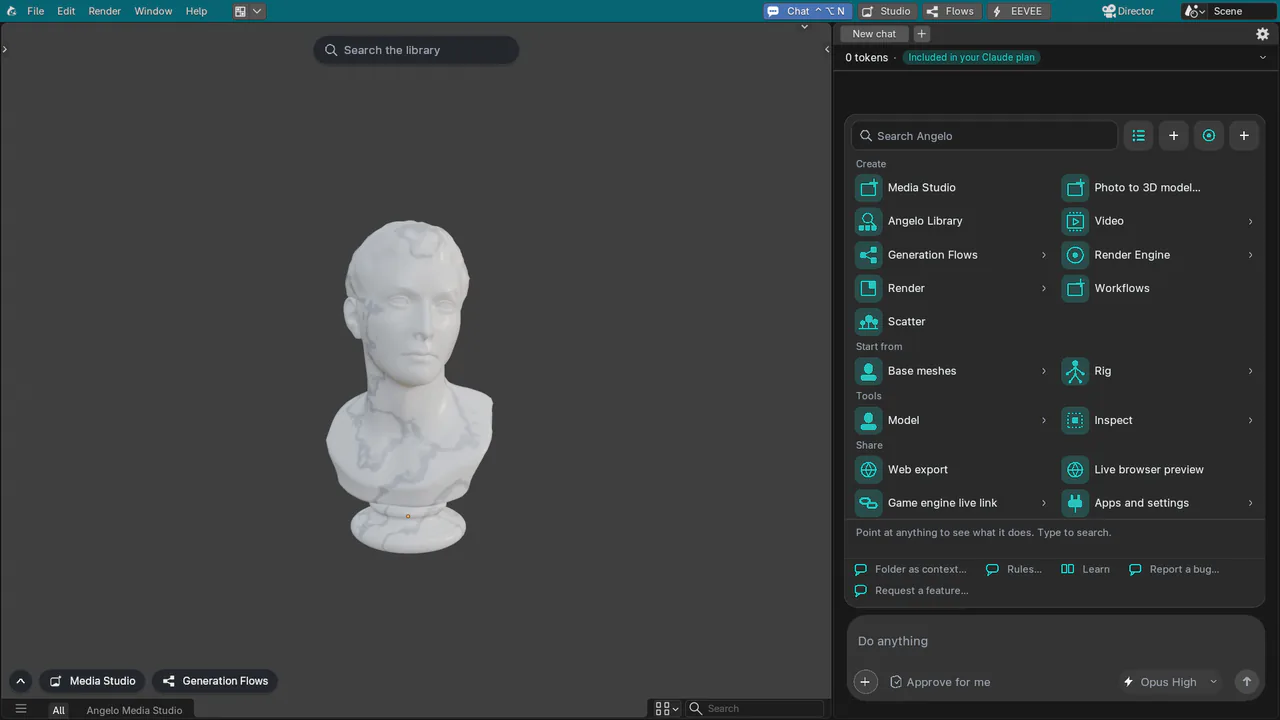
Every feature Angelo adds to Blender starts from the + in the chat bar, in Director and Manual mode alike. Type to search it, or just ask the agent where something is.
Also in 2.1
- RulesInstructions Angelo follows in every request, for this project (saved in the file) or for all of them. Rules that come with someone else's file wait for your review.Read more
- Folder as contextLet a chat read up to five of your folders, such as a game project and its references. Angelo writes notes only in the working folder and never deletes anything.Read more
- Type @ to name itPick an object, collection or material by name in the message box. Rename it before you send, and it is still the one you meant.Read more
- Continue after a crashA request cut off by a crash, a forced quit or a restart to update can be continued: Angelo says what was done and what may have applied, and runs nothing twice.Read more
- LoopTools, by nameRight-click in mesh Edit Mode ▸ Loops: Bridge, Circle, Curve, Flatten, Gstretch, Relax and Space, Blender's built-in versions under the names LoopTools users know.Read more
- From Blender 5.4, earlyReorder workspace tabs to the left or right, snap Color Ramp stops, and Grease Pencil's Armature modifier on curves.Read more
- Splats to meshTurn Gaussian splats into a collision mesh that fits its triangle budget and keeps the walls, or a coloured mesh, and export splats back to PLY.Read more
- Newer modelsGPT-6.2 Astra and GPT-6.2 Sol, and Gemini 4 Neon beside Gemini 4 Carbon on a Gemini API key.Read more
- Strict script protectionAn opt-in setting that checks every path and link an agent script uses in full. Agent scripts can no longer reach network shares or URLs.Read more